
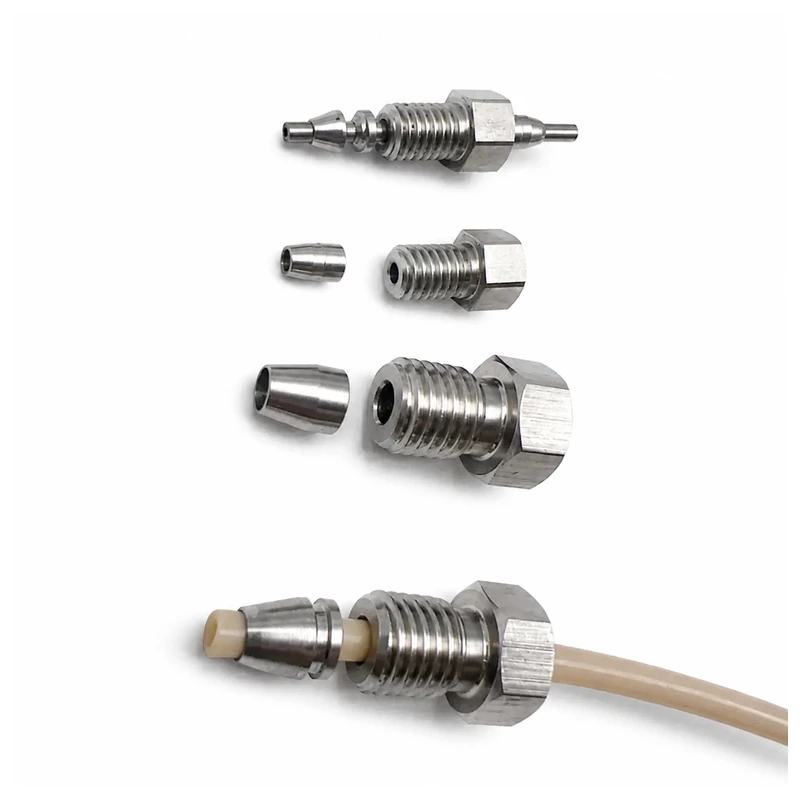
 Stainless HPLC Fittings
 Inline Filters
 PEEK Sample Loops
 Plugs & Ferrules
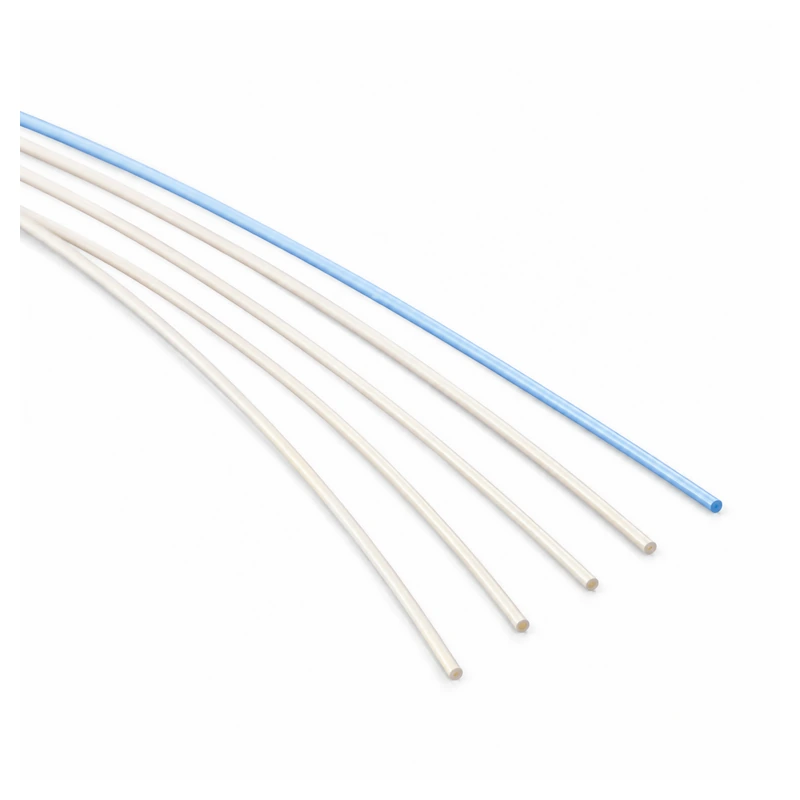 PEEK Tubing
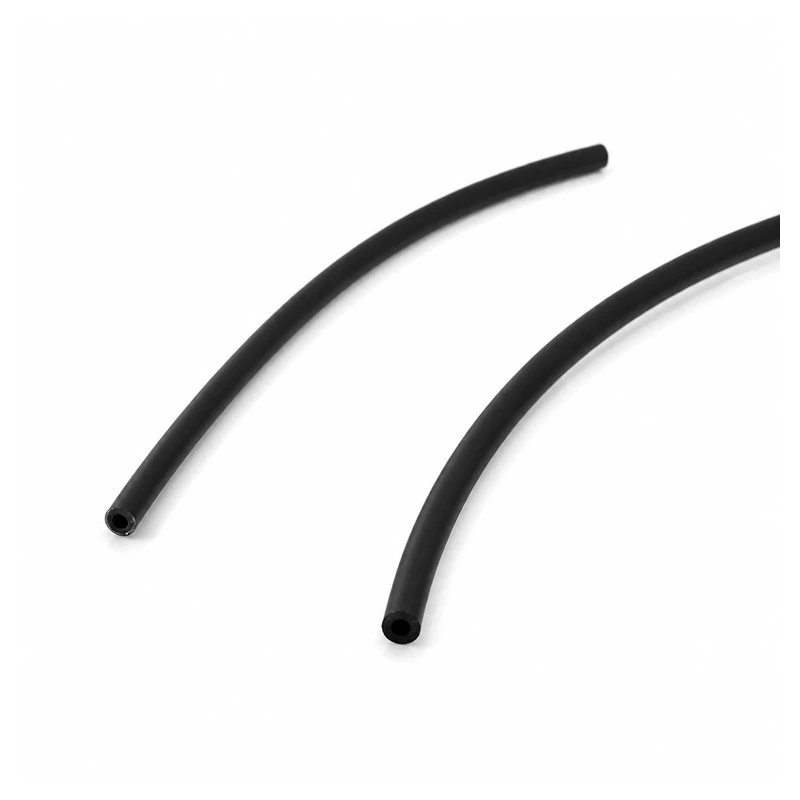 PTFE Tubing
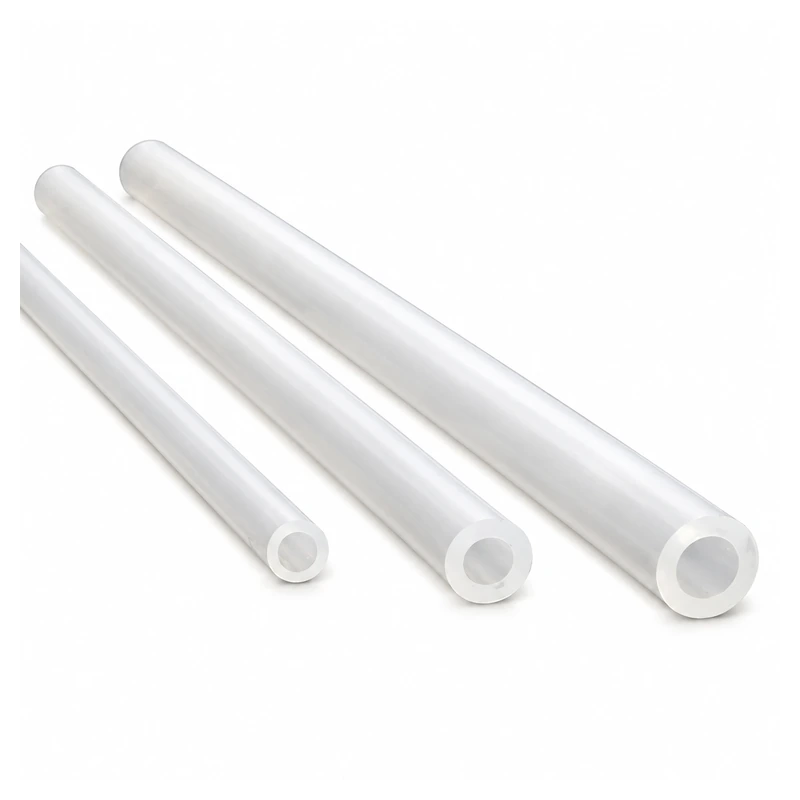 Silicone Pump Tubing
 Stainless Capillary
 Ceramic Rods & Shafts
 Ceramic Tubes
 Positioning Pins
 Sleeves, Rings & Spacers
Match the tubing interface and body
Keep tubing ID and OD separate. Then compare body shape, dimensions, pore size and reservoir clearance.
 10-piece configurations1/8 in D12 inlet filtersID 1/8 in D12; listed at 2, 5, 10 and 20 umView product
  Two connection formsStepped inlet filtersID 2.2 and 1/8 in step configurationsView product
 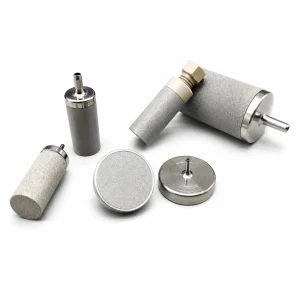 Cylindrical and flat316L inlet filter range25 models with 0.5-50 um listed optionsView product
HPLC Solvent Inlet Filter, Stainless Steel, 1/8 in

Stainless Steel HPLC Solvent Inlet Filters, Multiple Configurations
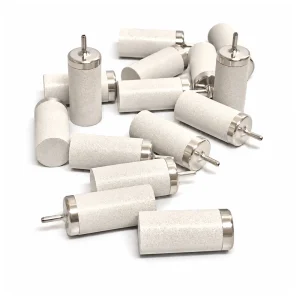
Stainless-Steel HPLC Solvent Inlet Filters, Multiple Models
HPLC solvent inlet filters sit at the reservoir end of the inlet line. This category contains three stainless-steel product families with stepped, cylindrical and flat configurations. Match the tubing interface first. Then compare the body dimensions, pore size, reservoir clearance and pack quantity.
Distinguish tubing ID from tubing OD
The connection description must match the tube. Several listed models specify the tubing inside diameter (ID). Other models specify the outside diameter (OD). For example, a filter for 1/8 in ID tubing is not the same interface as a filter for 1/8 in OD tubing.
Write the dimension and its type together. Use "1/8 in ID" or "1/8 in OD" in the order reference. Do not shorten either value to "1/8 in tubing." The 25-model family also includes connections for 1/16 in ID, 1/4 in ID, 4.35 mm ID and 4.5 mm ID tubing.
Two smaller product families use stepped connection descriptions. One lists ID 2.2 and 1/8 in step configurations. Another lists an ID 1/8 in D12 configuration and a custom option. Retain the full model wording when you request these parts.
Check the body shape and reservoir clearance
The 25-model family contains cylindrical and flat filters. Its listed cylindrical bodies include 7.3 x 20.6 mm, 8 x 8 mm, 12.5 x 25 mm and 25 x 40 mm forms. The listed flat body has a 20 mm diameter. Confirm that the selected body can sit in the reservoir without blocking the line or interfering with the bottle opening.
A body that fits the tube can still be unsuitable for the available space. Record the reservoir opening, fluid depth and inlet-line route. Keep the installed filter accessible for inspection and replacement. Do not force a tube bend to make a larger body fit.
Select a listed pore size for the matched model
Across the three families, the listed pore sizes run from 0.5 to 50 um. The two stepped families list 2, 5, 10 and 20 um options. The 25-model family lists 0.5, 2, 10, 20 and 50 um across different body and connection combinations.
Not every pore size is available with every interface. Match the tubing connection and body first, then check the pore options under that model. Use the method requirement or installed part reference to select the rating. A change in pore size can change loading and inlet restriction.
Verify material and order quantity
The verified product descriptions identify stainless steel, and the 25-model family specifies 316L in its short description. Confirm the exact model material against the solvent, buffer, pH, cleaning procedure and other wetted parts. Do not extend a material statement from one family to another without product data.
Pack details vary. One family lists ten-piece configurations. Other product pages group pore choices inside a model label. Record the exact product SKU, selected model, tubing ID or OD, body dimensions, pore size and quantity.
Browse HPLC inline filters and replacement frits for filters installed within the instrument flow path. Contact Flownectra with the current part number or a measured drawing when the inlet connection is uncertain.